Create a new contact list
Print
Modified on: Sun, 4 Sep, 2016 at 1:37 PM
-
Navigate to the Contacts page

-
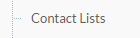
Then click Contact Lists
-
Click New List

-
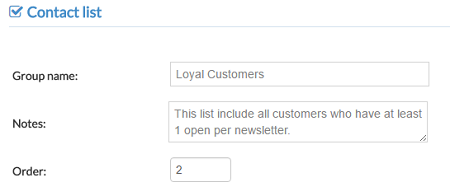
Type the List details in the fields provided
- Group name: this is the name of your contact list
- Notes: short description of the list
- Order: sorting order in which the list will display
-
When you're finished :
- Click Save to create the new list

- Or Click Save and add contacts in order to create the list and insert contacts

Did you find it helpful?
Yes
No
Send feedback Sorry we couldn't be helpful. Help us improve this article with your feedback.