
-
Navigate to the Contacts page

-
Click Contact Lists
-
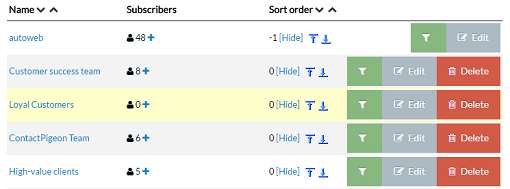
Select a contact list
-
If you want bulk edits like move all contacts from this list to another or copy all contacts to another list:
Select the new list from the drop down menu of lists
Move them all or Copy them all by pressing the proper button or
or 
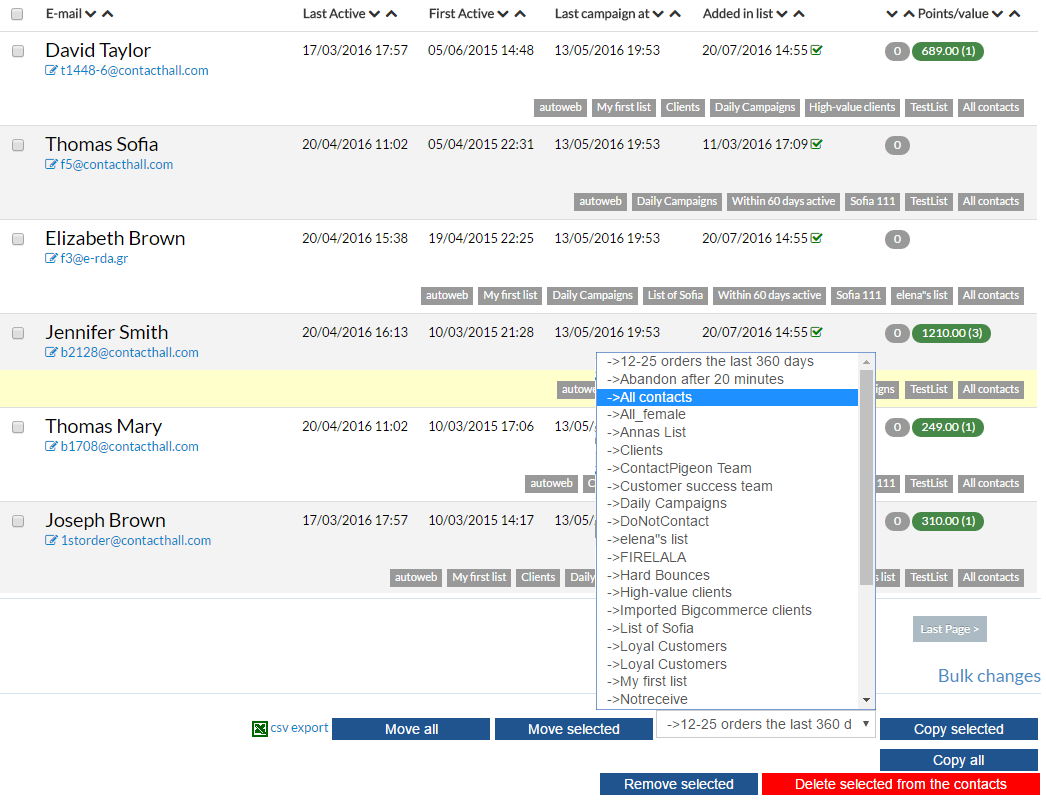
- If you want to edit individual contacts:
Select the new list from the drop down menu of lists
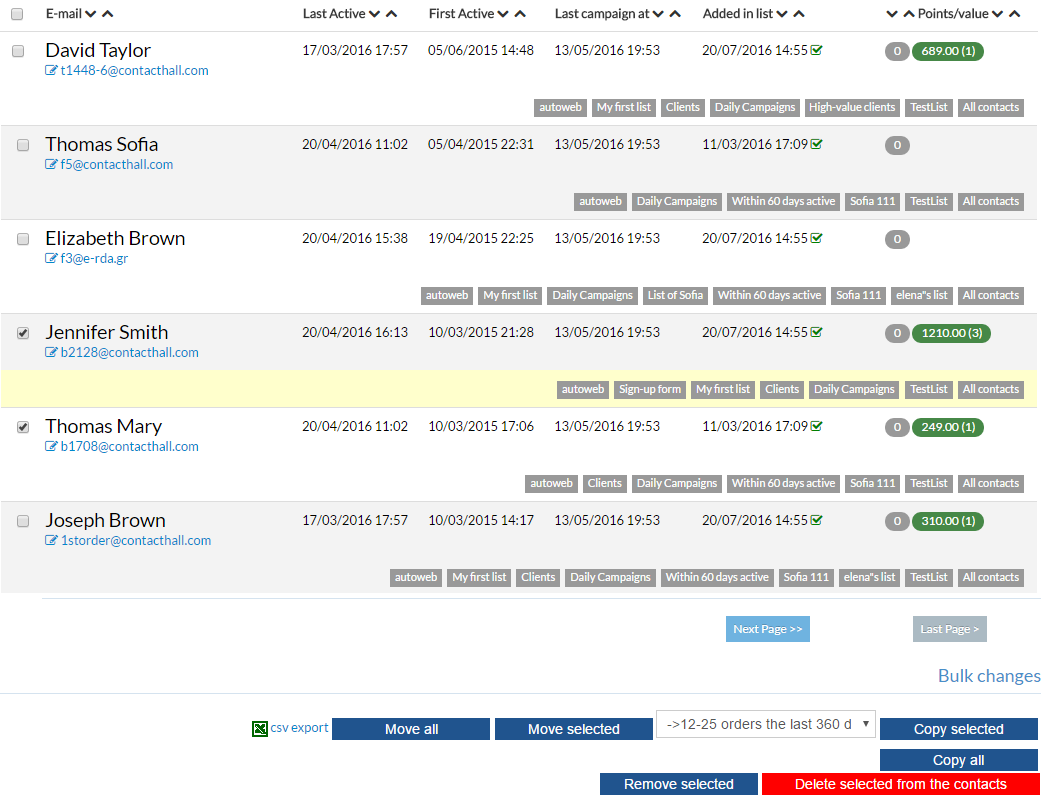
Select the contacts you want to edit
Move, Copy or Remove selected contacts by pressing the proper button or
or  or
or 
-
If you want to remove contacts from all your contact list:
Select the contacts and press the red button "Delete selected from the contacts"

Modify contacts within a list Print
Modified on: Wed, 19 Oct, 2016 at 12:16 PM
Did you find it helpful? Yes No
Send feedbackSorry we couldn't be helpful. Help us improve this article with your feedback.