
-
Navigate to the Campaigns page

-
Click Sent Campaigns
-
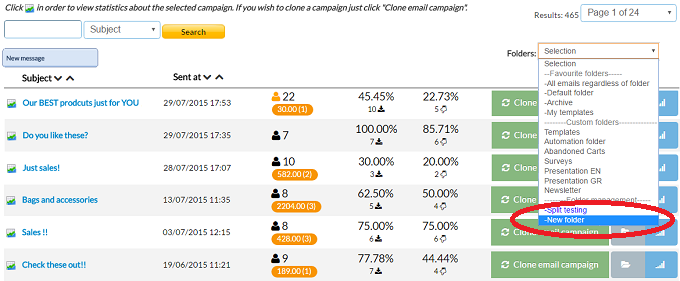
Now you can create a new folder by selecting New folder from the dropdown menu
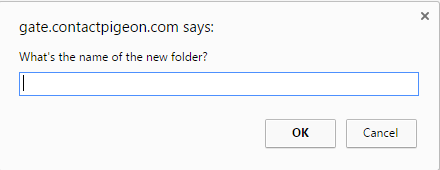
- Give a name to your folder
-
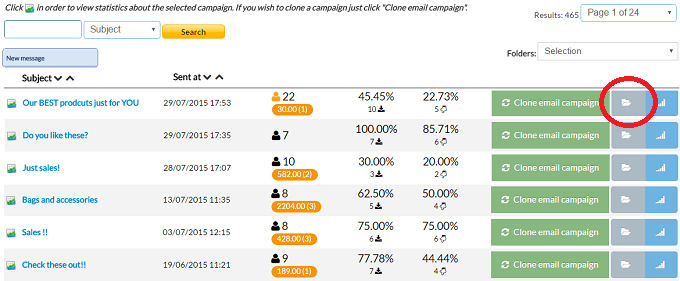
After you create your new folder you are able to add campaigns inside by clicking the "Move to folder" button
-
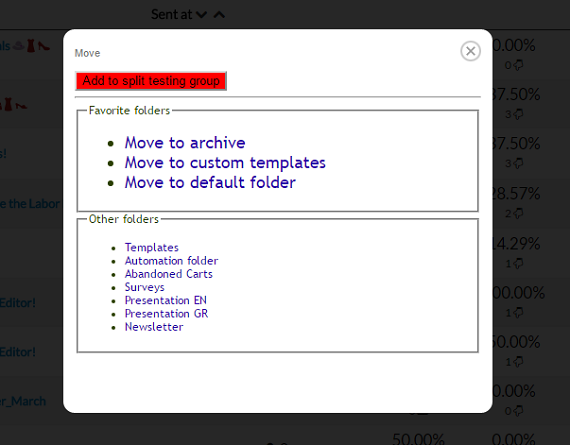
From the pop up window select the new location of your campaign. You can move it to archive, custom templates or to a folder you created
Manage campaign folders Print
Modified on: Wed, 19 Oct, 2016 at 12:43 PM
Did you find it helpful? Yes No
Send feedbackSorry we couldn't be helpful. Help us improve this article with your feedback.